Shortlisting Diamonds from 360° Videos: What to Check Before Sending an Enquiry
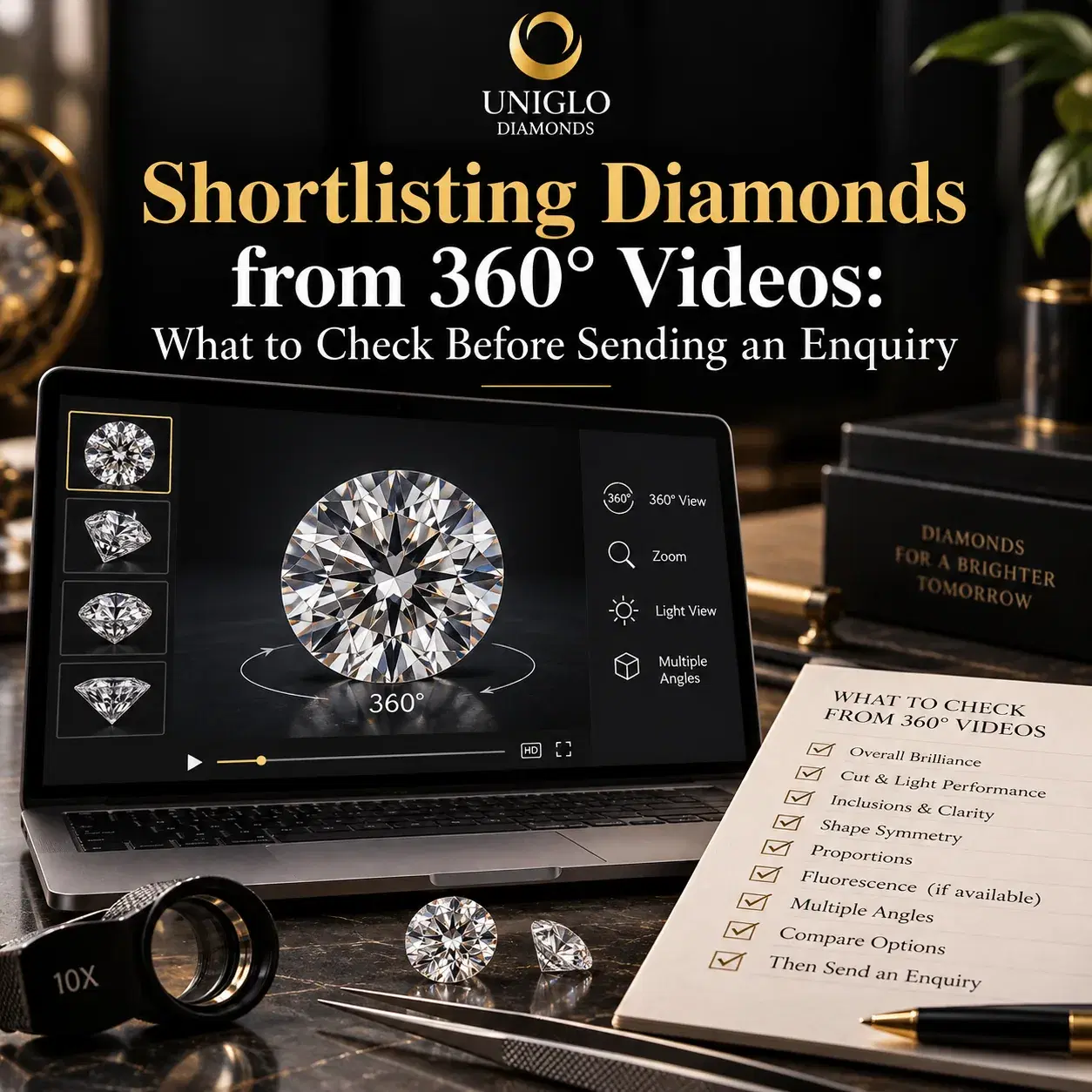
When choosing a diamond from video, use the recording to assess the outline, changing facet pattern and features you want examined more closely. Compare those observations with the listing and grading report, then send the stock references with specific questions. A 360° view helps you build a shortlist; it cannot establish every detail needed for a purchase.
The most useful shortlist explains why each stone interests you and what remains unresolved. You might like an oval’s outline but want another view of its centre, or prefer an emerald cut while needing confirmation of its transparency. This guide shows how to record those questions, using actual Uniglo inventory listings as practical examples.
Start with your requirements before watching videos
Begin with the intended jewellery, preferred shape, natural or lab-grown origin and budget. Include any measurements supplied by your setting jeweller. These requirements help you avoid spending time on attractive videos of stones that do not suit the project. Browse the natural diamond inventory or lab-grown diamond inventory, then save a manageable selection for closer review.
Use three to five candidates as a practical starting point, rather than a mandatory rule. If you are undecided between shapes, separate that decision from the comparison within each shape. Our diamond shapes guide can help you name the outlines you prefer and explain them to the team.
Save the product URL and stock reference together. Add the viewing date because inventory and listing details can change. A screenshot alone may omit the reference, and a saved video without its associated listing can become difficult to identify. Keep each observation attached to the correct candidate throughout the enquiry.
Check what the recording actually shows
Open the image and video options where available. Confirm that the media is associated with the stock reference you saved, and ask the supplier to confirm it depicts that individual stone. A product page offering a video viewer does not, by itself, establish the recording date, capture conditions or current condition of the diamond.
Watch one complete cycle before pausing or enlarging anything. Notice whether the recording includes a face-up view, a tilted view and the side profile, or mainly rotates around one axis. “360°” describes a viewing feature; it does not necessarily mean that every surface, viewing angle and lighting environment is visible.
If the viewer fails to load, do not interpret a still image as an equivalent inspection. Save the reference and request working media. Likewise, a cropped, blurred or heavily compressed recording may be sufficient to recognise the outline while leaving a clarity or surface question unresolved. Identify the missing view instead of guessing its answer.
Compare movement and pattern, not one impressive frame
Watch how bright and dark areas change as the stone moves. Look for a pattern you find attractive across the available views, and note any broad area that repeatedly draws your attention. A single bright frame does not describe the whole recording, while one dark frame does not establish poor cutting.
GIA’s research on diamond appearance and movement discusses the importance of changing contrast and the balance of bright and dark areas. That makes movement useful for comparison, but it does not turn an ordinary product video into a calibrated light-performance measurement.
Describe what you notice in everyday language. “The centre stays dark through this part of the rotation” is a useful enquiry observation. “This stone has proven light leakage” is a stronger technical conclusion that the recording may not support. Where possible, identify the playback moment or save a labelled screenshot so the assessor can examine the same concern.
Use comparable viewing conditions
Compare candidates on the same device, with the same display settings and approximately the same on-screen size. Disable colour-shifting display modes if practical. These steps reduce avoidable differences in your comparison, but they do not make your screen a grading instrument or correct differences between the original recordings.
Look for differences in background, exposure, camera distance, magnification and movement. A brighter recording may reflect a different capture setup. An enlarged stone may seem larger than another candidate simply because the images were scaled differently. Use the measurements in millimetres for size comparisons, rather than the width of the diamond on your screen.
GIA’s explanation of lighting and diamond appearance shows why the environment and the observer can alter the pattern. For candidates filmed differently, ask whether comparable additional recordings are available. Specify ordinary diffuse light and gentle tilting if those views would answer your concern; the supplier must confirm what can be provided.
Inspect the outline before concentrating on small details
Pause at the clearest face-up view and examine the overall shape. For an oval, consider whether you prefer its width and elongation. For an emerald cut, look at the rectangular outline and corner treatment. For pears, marquises and hearts, note whether the visible outline has the balance you want. A tilted view can distort the shape, so avoid drawing that conclusion from an oblique frame.
Use listed length and width to calculate the ratio: length divided by width. The result describes proportions, rather than proving cut quality or predicting how the diamond will look in every environment. Personal preference and the setting design still matter. Ask your jeweller to approve dimensions and profile where the diamond must fit an existing mounting.
For elongated brilliant shapes, note whether a central dark pattern remains distracting through the available movement. For step cuts, watch the sequence of broad reflections. These observations identify follow-up questions; they do not create a universal pass or fail rule. Detailed bow-tie assessment and shape-specific cutting decisions deserve their own closer review.
Examine visible features without confusing enlargement with eyesight
Watch at the normal playback size first, then enlarge the recording where useful. Note any visible mark, haze or surface feature and whether it moves consistently with the stone. Ask for clarification if you cannot tell whether a feature is within the diamond, on its surface, on the holder or an imaging artefact.
An inclusion visible in a highly enlarged video may be difficult to see in normal wear. Conversely, not noticing an inclusion in a recording does not prove it is invisible to the unaided eye. IGI’s discussion of eye-clean assessment explains that eyesight, viewing direction, distance and lighting affect visibility, and that laboratory clarity grading is separate from an eye-clean judgement.
Request a stone-specific assessment under stated conditions if unaided-eye appearance is a purchase priority. Include whether you care about the face-up view only or also the side view. For a mark near a corner or edge, ask a qualified assessor and the setting jeweller about its significance rather than diagnosing durability from a magnified frame.
Walk through three real Uniglo inventory examples
The following public listings were checked on 6 October 2026. Their figures are displayed listing information, not independently verified grading results or current offers. They demonstrate how to turn a candidate into an enquiry. No stone-specific visual verdict is claimed from these examples, and availability must be reconfirmed.
| Actual listing reference | Details displayed when checked | Main follow-up question |
|---|---|---|
| LC102191 | Lab-grown oval, 1.01 ct, D, VVS2; 8.01 × 5.59 × 3.49 mm | Can the team supply the report and comparable face-up and tilted views? |
| LC78627 | Lab-grown emerald cut, 1.37 ct, F, VVS2; 7.46 × 5.15 × 3.58 mm | Can the team assess transparency and broad facet reflections under additional conditions? |
| LC102219 | Lab-grown round, 1.01 ct, D, VVS2; cut displayed as Fair | Does the underlying report confirm that cut entry, and what should be compared next? |
Oval LC102191: separate outline preference from unresolved evidence
Open the LC102191 oval diamond listing. The listed length-to-width ratio is approximately 1.43: 8.01 ÷ 5.59. Use that figure to describe an outline preference and to compare other oval candidates, rather than treating it as an ideal-cut recommendation.
When viewing its media, start with the outline, then watch the central pattern through the available rotation. If the centre concerns you, request a gentle tilt in additional lighting and point to the relevant part of the recording. Avoid assuming that D colour and VVS2 clarity answer the appearance question you are asking.
The page displayed Excellent polish and symmetry, while its detailed cut field and report number were blank. Ask for the actual IGI report and clarify which assessments it contains. The page also marked laser inscription as present; request confirmation of the inscription and its connection to the supplied report rather than inferring identity from that field alone.
Emerald cut LC78627: watch the broader reflections
Open the LC78627 emerald-cut diamond listing. Its displayed measurements give a ratio of approximately 1.45: 7.46 ÷ 5.15. Record whether that outline suits your intended ring, pendant or other design before concentrating on smaller details.
Use the recording to note how the broad facet reflections change and whether any region appears persistently dull in the available views. If you want to understand transparency or a visible feature more clearly, ask for another recording and an assessment of the actual stone. A different capture setup may answer more than repeated enlargement of the same file.
The page displayed Excellent polish and symmetry, but no report number or detailed overall cut grade. Do not translate the finish grades or generic descriptive copy into a verified overall cut assessment. IGI publishes fancy-shape cut grading methodology; request this stone’s report to establish which information was actually issued for it.
Round LC102219: check the cut entry before advancing
Open the LC102219 round diamond listing. At the check date, the page displayed D colour, VVS2 clarity, Excellent polish, Excellent symmetry and Fair cut. That combination shows why colour, clarity and finish should not be treated as a complete buying decision.
Ask for the underlying report and clarification of the Fair cut entry. If it is confirmed, review its significance with the assessor and compare alternative rounds within your requirements. If the entry is a listing error, obtain corrected information before proceeding. An attractive recording cannot resolve a discrepancy between the listing and report.
These three examples concern different shapes and are not a ranking of interchangeable alternatives. Their purpose is to demonstrate separate enquiries: outline and central pattern for the oval, broader reflections and transparency for the emerald cut, and cut-data clarification for the round.
What a diamond video cannot establish
A recording cannot independently authenticate natural or laboratory-grown origin, establish an exact colour or clarity grade, or prove that the stone shown is the one offered for delivery. Use the actual grading documentation and stone-specific verification. Our diamond certificates guide explains the role of reports; for a GIA report, GIA Report Check lets you compare supplied information with its database record.
That database check is a document step, not physical identification of the diamond. Ask how the supplier will reconcile the report, stock reference, inscription where present and actual stone. Similarly, an ordinary video cannot substitute for the assessment needed to resolve a question about transparency, damage or a feature with possible durability implications.
The recording also cannot establish setting compatibility, availability, delivered cost or purchase terms. Dimensions and profile need the setting jeweller’s approval. Availability and any reservation must be confirmed. Obtain a current quotation with the applicable currency, taxes, delivery and inspection conditions rather than treating a saved listing as an agreed offer.
Send a shortlist the team can act on
Use the Uniglo contact page to submit your references and requirements. The checked product pages required login for pricing, so include a request for a current quotation. State your budget and whether it covers the loose stone only or the complete jewellery project.
| Include in your enquiry | Why it helps |
|---|---|
| Product URLs and stock references | Identifies the exact candidates |
| Ranked preferences and reasons | Explains the outline or appearance you favour |
| Video observations and playback moments | Directs attention to the feature you want assessed |
| Report and identity questions | Records missing evidence or discrepancies |
| Origin, shape, budget and intended jewellery | Keeps alternatives within the brief |
| Setter’s dimensions or mounting requirements | Enables a fit discussion before commitment |
| Required date and destination | Supports an availability and delivery enquiry |
| Requested assessment and purchase conditions | Makes remaining decisions explicit |
A concise message could read: “Please review stock references [your references] for a [jewellery type]. My budget is [amount and currency], covering [scope]. I prefer [candidate] because [reason]. Please provide the reports, confirm that the media shows each stone, and assess [specific concern]. Please also confirm availability, the current quotation and applicable inspection terms.” Replace the brackets with your actual requirements.
For the wider purchase process, read our guide to buying a diamond online safely. This video checklist helps prepare the visual questions; the broader guide supports the remaining purchase checks.
Frequently asked questions
More Topics